When a photo earns its place
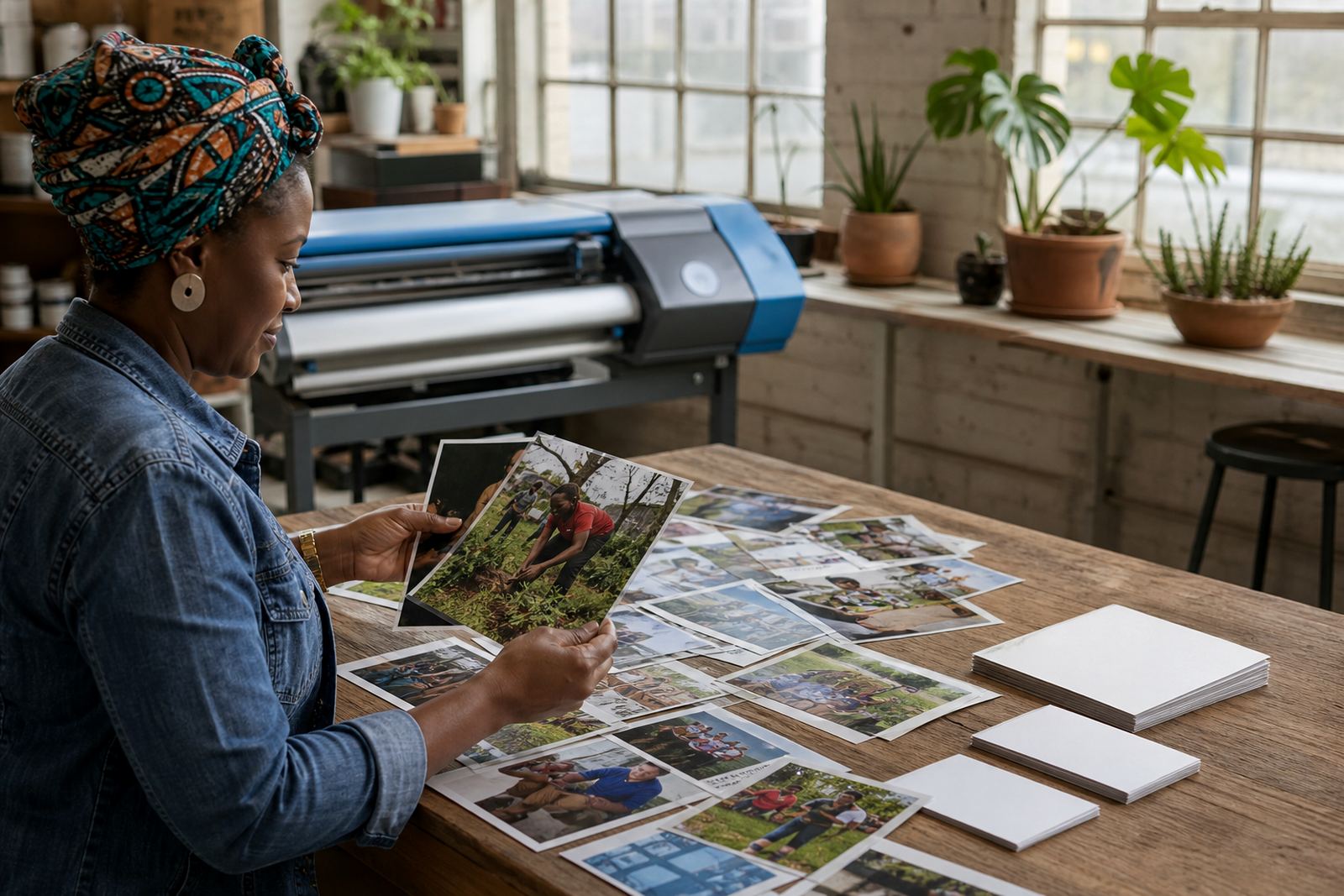
A good supporting photo helps the review team understand the nomination faster. It should show the nominee at work in a community setting, the setting where the help happened, or an item that clearly links to the story. A clear photo is better than a crowded one, and a relevant image is better than a posed picture with no context.
If the nomination already explains the story well, a photo is optional. Some cases are stronger with a written account, dates, locations, and a short witness note. A picture should support the nomination, not carry all the weight on its own.
Photos that usually help most
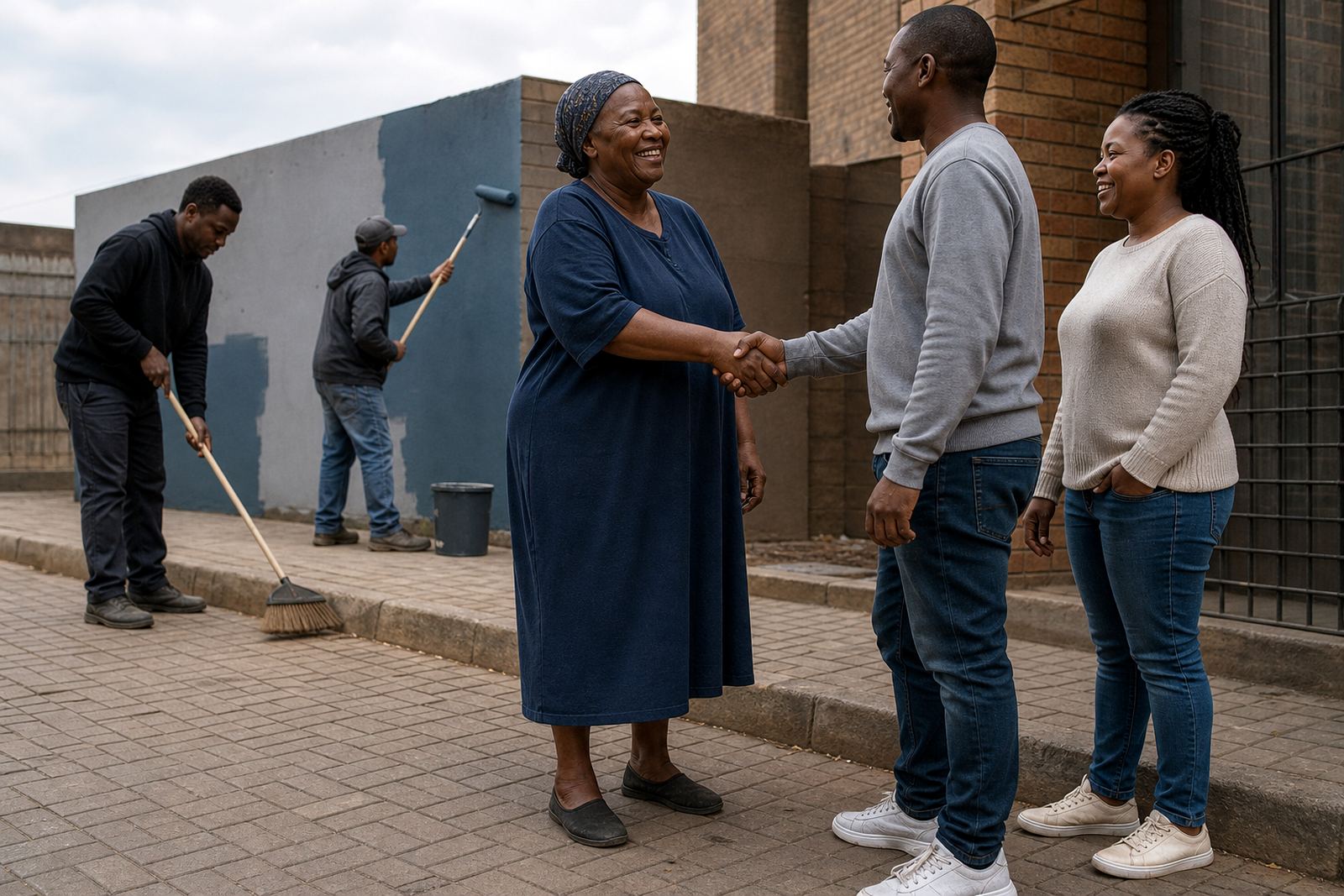
Use images that answer a practical question. Who helped, where did it happen, and what was happening at the time? A photo taken in the right place can add that detail without needing a long explanation. Street scenes, classroom settings, clinic spaces, sports fields, kitchens, shelters and neighbourhood corners often give useful context when the story involves service.
- A clear image of the nominee in a real community setting
- A photo showing the task, item, or activity described in the story
- A group image where the nominee is easy to identify
- A simple scene that helps place the nomination in its setting
A blurred image, a dark room, or a photo taken from too far away can make it harder to assess the nomination. If the picture only shows a face with no context, it may add less value than a well written note.
When to leave a photo out
Leave out a supporting photo when it could expose someone who should not be shown. This matters most in schools, hospitals, care settings, and any situation involving children, vulnerable people, or private spaces. If the image shows sensitive information on documents, name badges, forms, screens, addresses, or vehicle plates, it is better not to upload it.
If you need to hide private details, it may be safer to use another image, or to describe the moment in words instead. A nomination does not become weaker because it has no picture. The written story, consent, and evidence can still give a full view of the contribution.
Consent before you upload
Do not add a photo of a nominee unless you have permission to use it for the nomination. If other people appear in the image, consider whether they also need to agree, especially where faces are clear. Consent matters just as much as the story itself.
Where a photo involves a minor, a patient, a client, or anyone in a vulnerable position, it is best to avoid uploading the image unless you are certain it is suitable and permitted. Our review team looks at privacy as part of the process, and a careful nomination protects the people inside the frame as well as the person being nominated.
- Ask before uploading any identifiable photo
- Check whether anyone else in the image should also agree
- Avoid images taken in private or sensitive spaces
- Use a different image if permission is uncertain
How to prepare the image before you send it
Keep the photo clean and readable. Crop out unnecessary space if the important part sits in one corner, but do not crop away the context that proves the story. A straight image is easier to review than one that is tilted or too dark. If there is writing in the photo, make sure it is legible.
- Check that the nominee is easy to recognise
- Remove screenshots that hide the original quality
- Avoid filters that change faces or colours
- Do not send images with visible private details
One photo is often enough. If you have several, pick the one that best matches the nomination narrative. Extra images can help when they each show a different part of the same act of service, but a pile of similar photos usually adds noise.
What the review team looks for in a photo
A strong supporting photo should feel honest and relevant. It should line up with the written nomination, the nominee consent, and any useful evidence that has been included. A picture that matches the story can help confirm the setting and the nature of the contribution. A picture that conflicts with the written detail can raise questions.
Judging is based on the overall nomination, not the photo alone. The review looks at the community impact, the clarity of the story, the strength of the evidence, and the care taken around privacy. A photo helps most when it is simple, accurate and respectful.
A short final check before you upload
Read the nomination once with the photo beside it and ask a few plain questions. Does this image support the story, or is it only decorative? Does it reveal anything private? Does it show the nominee, the setting, or the act of help clearly enough to be useful?
- Match the image to the story
- Check privacy and consent
- Remove sensitive details
- Use the clearest photo available
If the answer to those checks is not comfortable, leave the photo out and keep the nomination strong in words. A careful submission is usually better than a crowded one.